

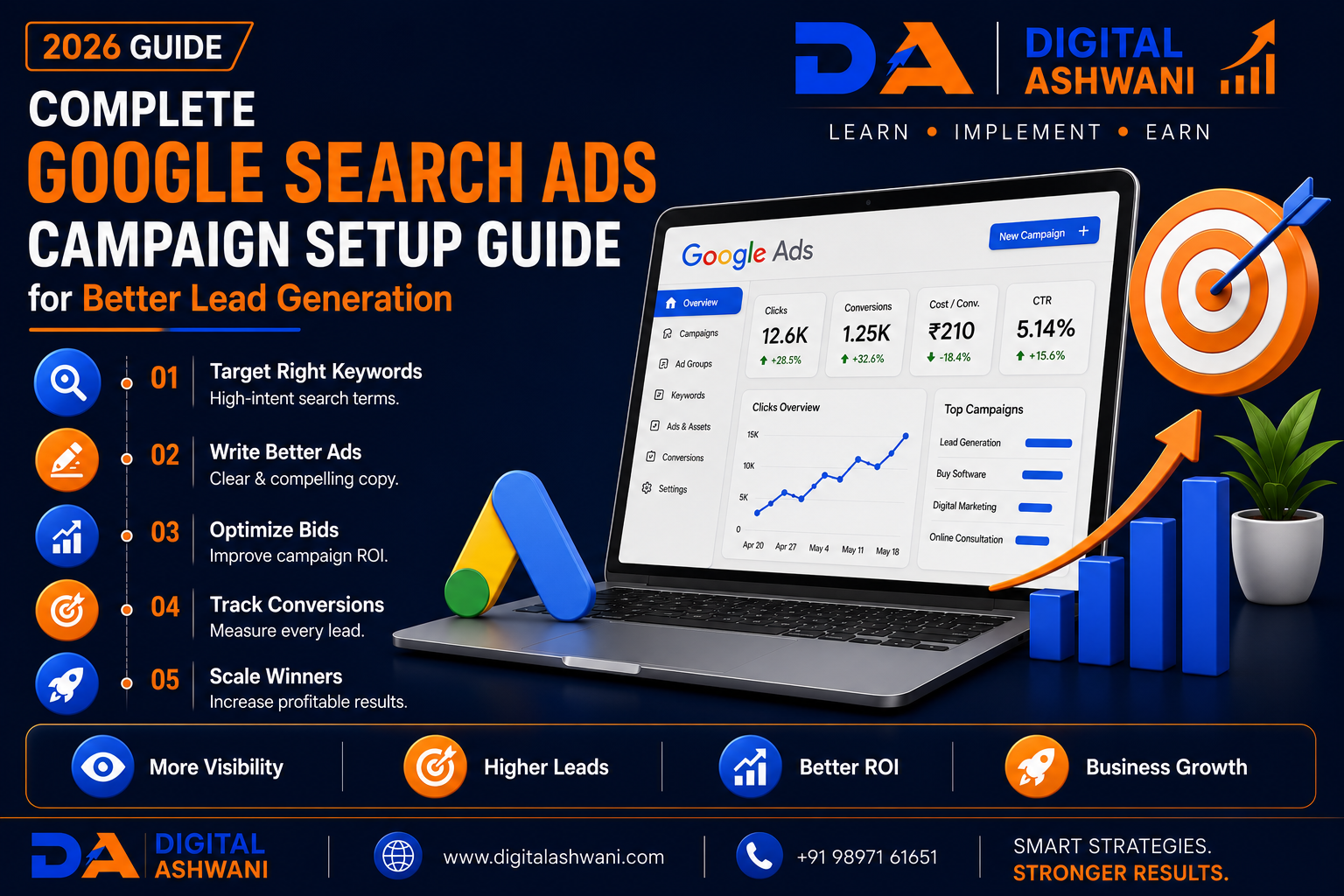
SEO Complete Google Search Ads Campaign Setup Guide for Better Lead Generation
Google Search Ads remain one of the most effective digital marketing channels for businesses that want to generate qualified leads, increase website traffic, and drive measurable sales. Unlike traditional advertising, Search Ads appear when people actively search for products or services, making them one of the highest-intent marketing channels available.
Whether you’re a local business, digital marketing agency, law firm, hospital, educational institute, real estate company, SaaS provider, or eCommerce brand, a properly structured Google Search Ads campaign can help you reach customers at the exact moment they are looking for your solutions.
However, simply creating a campaign isn’t enough. Many advertisers waste budget because of poor keyword selection, weak ad copy, incorrect bidding strategies, missing conversion tracking, or poorly optimized landing pages.
A successful campaign requires careful planning, continuous optimization, and a clear understanding of how Google Ads works. When every component—from keywords and ad groups to Quality Score and landing pages—is optimized, businesses can reduce costs while generating higher-quality leads.
In this comprehensive guide by Digital Ashwani, you’ll learn 15 proven steps to set up a high-performing Google Search Ads Campaign that generates better leads and improves return on investment (ROI) in 2026.
What Is Google Search Ads?
Google Search Ads are text-based advertisements that appear on Google Search Engine Results Pages (SERPs) when users search for specific keywords.
These ads are identified with the “Sponsored” label and allow businesses to appear above organic search results for relevant searches.
Businesses can use Search Ads to promote:
- Products
- Services
- Local Businesses
- Appointment Booking
- Quote Requests
- Phone Calls
- Website Visits
Because users already have buying intent, Search Ads often deliver high-quality traffic.
Why Search Ads Are Effective for Lead Generation
Unlike display advertising, Search Ads target users who are actively looking for a solution.
For example:
- Digital Marketing Agency Near Me
- SEO Company Delhi
- Google Ads Expert
- Buy Running Shoes Online
- Best Dentist in Noida
These searches indicate strong commercial intent, making Search Ads one of the highest-converting advertising channels.
Benefits of Google Search Ads
A well-optimized campaign helps businesses:
- Generate Qualified Leads
- Increase Website Traffic
- Improve Brand Visibility
- Reach High-Intent Customers
- Measure ROI
- Control Advertising Budget
- Improve Conversion Rates
- Scale Business Growth
15 Proven Google Search Ads Campaign Setup Steps
1. Define Your Campaign Goal
Before creating a campaign, identify the primary objective.
Common goals include:
- Lead Generation
- Website Traffic
- Phone Calls
- Online Sales
- Appointment Bookings
- Quote Requests
Clear objectives help determine bidding strategies and campaign optimization.
2. Perform Keyword Research
Keyword selection determines who sees your ads.
Target:
- High-Intent Keywords
- Long-Tail Keywords
- Location-Based Keywords
- Commercial Keywords
- Branded Keywords
Use keyword research to identify search terms your ideal customers actually use.
3. Organize Ad Groups Properly
Avoid placing unrelated keywords in the same ad group.
Instead, group similar keywords together.
Example:
Ad Group: Google Ads Agency
- Google Ads Agency Delhi
- PPC Agency Delhi
- Google Ads Expert
Well-structured ad groups improve ad relevance and Quality Score.
4. Choose the Right Keyword Match Types
Google provides several keyword match options:
- Exact Match
- Phrase Match
- Broad Match
Selecting the appropriate match type helps balance reach, relevance, and budget efficiency.
5. Write High-Converting Ad Copy
Create compelling Responsive Search Ads.
Include:
- Primary Keyword
- Unique Selling Proposition (USP)
- Benefits
- Strong Call-to-Action
- Trust Signals
Relevant, persuasive copy encourages more qualified clicks.
6. Add Ad Assets (Extensions)
Ad Assets increase visibility and improve click-through rates.
Useful assets include:
- Sitelinks
- Callouts
- Structured Snippets
- Call Extensions
- Location Extensions
- Lead Form Assets
Assets provide additional information without increasing cost per click.
7. Select the Right Bidding Strategy
Choose a bidding strategy that aligns with your business objective.
Examples include:
- Maximize Conversions
- Target CPA
- Maximize Clicks
- Target ROAS
- Manual CPC
Start with a strategy that matches your campaign maturity and available conversion data.
8. Configure Conversion Tracking
Without conversion tracking, you cannot accurately measure campaign success.
Track actions such as:
- Contact Form Submissions
- Phone Calls
- Purchases
- WhatsApp Clicks
- Appointment Bookings
- Quote Requests
Reliable conversion data enables smarter optimization decisions.
9. Use Negative Keywords to Reduce Wasted Spend
Negative keywords prevent your ads from appearing for irrelevant searches.
For example, if you sell premium SEO services, you may exclude searches like:
- Free SEO Tools
- SEO Jobs
- SEO Course
- SEO PDF
- Internship
Adding negative keywords helps:
- Reduce unnecessary clicks
- Improve lead quality
- Increase ROI
- Lower Cost Per Lead (CPL)
Review your Search Terms Report regularly and keep expanding your negative keyword list.
10. Optimize Your Landing Page
Even the best Google Ads campaign will struggle if the landing page fails to convert visitors.
A high-converting landing page should include:
- Clear Headline
- Strong Value Proposition
- Fast Loading Speed
- Mobile-Friendly Design
- Trust Signals
- Customer Reviews
- Simple Contact Form
- Prominent Call-to-Action (CTA)
Ensure the landing page closely matches the user’s search intent and ad messaging.
11. Improve Your Google Ads Quality Score
Quality Score directly influences:
- Cost Per Click (CPC)
- Ad Rank
- Impression Share
To improve Quality Score:
- Increase Ad Relevance
- Improve Expected CTR
- Optimize Landing Page Experience
- Use Relevant Keywords
- Write Better Ad Copy
A higher Quality Score often leads to lower advertising costs and better ad positions.
12. Monitor Campaign Performance Regularly
Launching a campaign is only the beginning.
Track key performance metrics such as:
- Clicks
- Impressions
- CTR
- Conversion Rate
- Cost Per Conversion
- Cost Per Click
- Search Impression Share
- Quality Score
- ROAS
Regular monitoring helps identify opportunities for optimization.
13. Test Multiple Ad Variations
Don’t rely on a single advertisement.
Create multiple versions of:
- Headlines
- Descriptions
- CTAs
- Display Paths
Google Responsive Search Ads automatically test combinations and prioritize high-performing assets.
Continuous A/B testing improves campaign performance over time.
14. Use AI-Powered Google Ads Features
Google Ads now includes several AI-driven capabilities.
Examples include:
- Smart Bidding
- Responsive Search Ads
- Performance Insights
- AI Asset Generation
- Audience Signals
- Predictive Recommendations
These features can improve efficiency, but campaigns should still be monitored by experienced marketers.
15. Continuously Optimize for Better Lead Generation
Successful advertisers never stop optimizing.
Review and improve:
- Keywords
- Ad Groups
- Ad Copy
- Landing Pages
- Bidding Strategy
- Negative Keywords
- Conversion Tracking
Small improvements made consistently can significantly increase lead quality while reducing advertising costs.
Google Search Ads Campaign Setup Checklist
Before launching your campaign, verify the following:
- Campaign Goal Defined
- Keyword Research Completed
- Ad Groups Organized
- Match Types Selected
- Responsive Search Ads Created
- Ad Assets Added
- Bidding Strategy Selected
- Conversion Tracking Configured
- Negative Keywords Added
- Landing Page Optimized
Following this checklist helps create a strong foundation for successful lead generation campaigns.
Common Google Search Ads Mistakes
Targeting Broad Keywords Only
Broad targeting may generate irrelevant clicks.
Use a balanced mix of Exact Match, Phrase Match, and carefully managed Broad Match keywords.
Ignoring Search Intent
Choose keywords based on user intent rather than search volume alone.
Commercial-intent searches often generate better leads.
Not Using Negative Keywords
Without negative keywords, your budget can be wasted on irrelevant searches.
Update your negative keyword list regularly.
Weak Landing Pages
A poor landing page reduces conversion rates regardless of ad quality.
Ensure your page loads quickly, builds trust, and makes contacting your business easy.
Skipping Conversion Tracking
Without conversion tracking, campaign optimization becomes guesswork.
Always measure meaningful business outcomes instead of only clicks.
Internal Linking Suggestions (Digital Ashwani)
Strengthen your Google Ads content cluster by linking this article with:
- What Is Google Ads and How Does It Work?
- What Is Google Ads and How Does It Help Businesses Generate More Leads?
- What Is Cost Per Click (CPC)?
- What Is Google Analytics 4 and Why Every Business Should Use It?
- Ultimate Analytics and Tracking Guide for Long-Term Business Growth
- How to Increase Website Conversion Rates Using Data-Driven Optimization Methods
- Complete Meta Ads Guide for Small Businesses and Local Brands
- What Is Search Engine Optimization and Why Does Every Business Need SEO?
- AI in Digital Marketing
- Digital Marketing Career in 2026
These internal links improve topical authority and strengthen your PPC and Digital Marketing content ecosystem.
External Resources
For official Google Ads guidance, explore:
- Google Ads Help Center
- Google Ads Skillshop
- Google Analytics Help Center
- Google Tag Manager Help Center
- Google Search Central
These official resources provide updated information on campaign setup, conversion tracking, bidding strategies, and optimization.
Frequently Asked Questions
What is a Google Search Ads Campaign?
A Google Search Ads Campaign displays text advertisements on Google Search when users search for targeted keywords related to your products or services.
Why are Search Ads effective for lead generation?
Search Ads target users with high purchase intent, making them one of the most effective channels for generating qualified leads and conversions.
How much budget should I start with?
Your starting budget depends on your industry, competition, and business goals. Begin with a manageable daily budget, monitor results, and increase spending as campaigns become profitable.
What is Quality Score in Google Ads?
Quality Score is Google’s estimate of the relevance and quality of your keywords, ads, and landing pages. A higher score can reduce CPC and improve ad positions.
How long does it take to optimize a campaign?
Initial data may appear within a few days, but most campaigns require several weeks of testing and optimization before consistent performance trends emerge.
Final Thoughts
A successful Google Search Ads Campaign is built on more than selecting a few keywords and writing advertisements. Long-term lead generation depends on strategic planning, accurate conversion tracking, relevant keywords, persuasive ad copy, optimized landing pages, and continuous performance improvements.
As Google Ads continues integrating AI-powered features, advertisers who combine automation with human expertise will achieve the best results. Rather than relying solely on automated recommendations, use data-driven optimization to improve Quality Score, lower advertising costs, and increase qualified leads.
Businesses that consistently review campaign performance, test new strategies, and focus on customer intent can build a scalable Google Ads system that delivers sustainable business growth.
At Digital Ashwani, we regularly publish practical guides on Google Ads, PPC, SEO, AI Marketing, Analytics, and Digital Marketing to help businesses generate more leads and maximize marketing ROI.
