

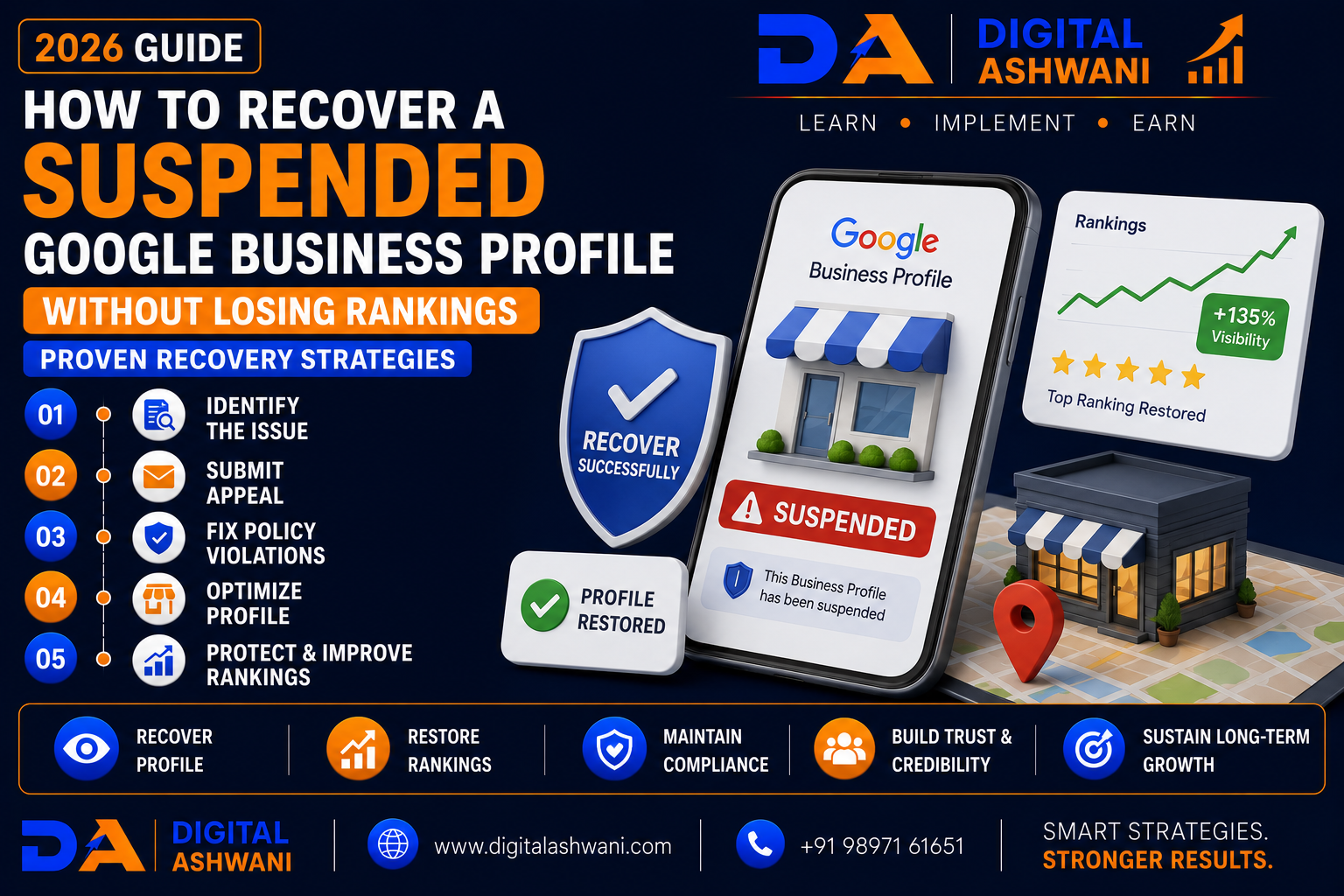
How to Recover a Suspended Google Business Profile Without Losing Rankings
A suspended Google Business Profile (GBP) can be one of the most stressful situations for any local business. When your profile disappears from Google Search and Google Maps, you may experience fewer phone calls, website visits, direction requests, and customer inquiries.
Many business owners panic after receiving a suspension notice, but acting quickly without understanding the reason can make recovery more difficult.
The good news is that many suspended Google Business Profiles can be successfully reinstated when the underlying issues are identified and corrected.
More importantly, following Google’s guidelines during the recovery process helps reduce the risk of losing your local SEO performance after reinstatement.
In this comprehensive guide by Digital Ashwani, you’ll learn 15 proven strategies to recover a suspended Google Business Profile, avoid common reinstatement mistakes, and protect your Google Maps rankings in 2026.
What Is a Google Business Profile Suspension?
A Google Business Profile suspension means your business listing is no longer visible to customers on Google Search or Google Maps.
Depending on the type of suspension, your profile may:
- Become Invisible on Google
- Stop Receiving Reviews
- Lose Google Maps Visibility
- Prevent New Customer Interactions
- Restrict Profile Management
The suspension may affect only visibility or, in some cases, profile ownership and management access.
Why Google Suspends Business Profiles
Common reasons include:
- Inaccurate Business Information
- Keyword Stuffing in Business Name
- Virtual Office or Ineligible Address Usage
- Duplicate Business Profiles
- Policy Violations
- Suspicious Profile Changes
- Unsupported Business Categories
- Verification Problems
Understanding the cause is the first step toward recovery.
Impact of a Suspension
A suspended profile can lead to:
- Reduced Google Maps Visibility
- Fewer Customer Calls
- Lower Website Traffic
- Decline in Direction Requests
- Fewer Leads
- Reduced Local Trust
- Temporary Ranking Loss
Prompt and accurate recovery helps minimize these effects.
15 Proven Google Business Profile Recovery Strategies
1. Identify the Suspension Type
Determine whether your profile has:
- Soft Suspension
- Hard Suspension
Understanding the suspension type helps guide the correct recovery process.
2. Review Google’s Business Profile Guidelines
Before making changes, carefully review the latest Google Business Profile policies.
Pay particular attention to:
- Business Eligibility
- Business Name Rules
- Address Requirements
- Service Area Guidelines
- Verification Policies
Compliance is essential before requesting reinstatement.
3. Correct Business Information
Ensure your profile accurately reflects your business.
Verify:
- Business Name
- Address
- Phone Number
- Website
- Business Hours
- Categories
Remove any misleading or promotional information.
4. Remove Keyword Stuffing
Your business name should match your real-world branding.
Avoid adding unnecessary keywords such as:
- Best SEO Company
- Cheapest Dentist
- Top Lawyer
Only use your official business name.
5. Eliminate Duplicate Listings
Search Google Maps for duplicate profiles.
If duplicates exist:
- Remove unnecessary listings
- Merge eligible profiles where appropriate
- Keep only the primary business listing
Duplicate listings often create policy issues.
6. Gather Business Documentation
Prepare documents that verify your business.
Examples include:
- Business Registration
- Utility Bills
- Tax Documents
- Business License
- Lease Agreement
- Storefront Photos
Clear documentation strengthens your reinstatement request.
7. Submit a Complete Reinstatement Request
When you’re confident the issues have been resolved:
- Explain the corrections made.
- Submit accurate supporting documents.
- Provide clear and truthful information.
Avoid submitting multiple requests for the same issue unless instructed by Google.
8. Continue Local SEO During Recovery
While waiting for a decision:
- Update Your Website
- Publish Helpful Content
- Improve Local Landing Pages
- Build Local Citations
- Collect Reviews on Other Platforms (where appropriate)
- Strengthen Technical SEO
Maintaining your broader online presence can help support recovery after reinstatement.
9. Monitor Your Reinstatement Request
After submitting your reinstatement request:
- Monitor Your Email
- Check Your Google Business Profile Dashboard
- Respond Promptly to Any Requests
- Keep Supporting Documents Ready
If Google requests additional information, provide accurate responses as quickly as possible.
10. Rebuild Google Maps Visibility
Once your profile is reinstated, focus on restoring local visibility.
Update:
- Business Hours
- Services
- Products
- Business Description
- Photos
- Google Posts
A complete and active profile supports long-term local SEO performance.
11. Strengthen Local SEO Signals
Help your business regain authority by improving:
- Local Landing Pages
- Internal Linking
- Local Keywords
- NAP Consistency
- Local Citations
- Customer Reviews
Strong Local SEO signals can help your business regain visibility over time.
12. Monitor Profile Health Regularly
Perform routine audits of your Google Business Profile.
Review:
- Business Information
- Categories
- Opening Hours
- Website URL
- Phone Number
- Photos
- Reviews
- Verification Status
Regular monitoring reduces the likelihood of future issues.
13. Avoid Frequent Profile Changes
Repeatedly changing important business information may trigger additional review.
Avoid unnecessary changes to:
- Business Name
- Address
- Primary Category
- Phone Number
- Website
Only update information when genuine business changes occur.
14. Stay Updated with Google Policies
Google Business Profile guidelines evolve over time.
Regularly review updates related to:
- Business Eligibility
- Verification
- Service Area Businesses
- Review Policies
- Business Categories
Following current guidelines helps reduce future suspension risk.
15. Build a Stronger Online Presence Beyond Google
Do not rely entirely on your Google Business Profile.
Strengthen your digital presence through:
- Your Website
- SEO
- Social Media
- Email Marketing
- Local Directories
- Content Marketing
- Google Ads (if appropriate)
Diversifying your marketing channels reduces business risk if platform issues occur.
Google Business Profile Recovery Checklist
Before considering your recovery process complete, verify the following:
- Suspension Cause Identified
- Google Guidelines Reviewed
- Business Information Corrected
- Keyword Stuffing Removed
- Duplicate Listings Removed
- Supporting Documents Prepared
- Reinstatement Request Submitted
- Local SEO Continued
- Profile Information Reviewed
- Monthly GBP Audit Scheduled
Following this checklist helps improve the likelihood of successful recovery while protecting long-term local rankings.
Common Google Business Profile Recovery Mistakes
Submitting Multiple Reinstatement Requests
Sending repeated requests before receiving a response may delay the review process.
Submit one complete request and wait for Google’s response unless instructed otherwise.
Providing Incorrect Documentation
Missing or inaccurate documents may slow down reinstatement.
Ensure every document clearly supports your business information.
Changing Business Information During Review
Major edits while your case is under review may create confusion.
Avoid unnecessary profile changes until the review is complete.
Ignoring Google’s Business Guidelines
Attempting shortcuts or violating policies again may result in additional suspensions.
Follow Google’s requirements carefully.
Depending Only on Google Maps
Relying solely on Google Business Profile creates unnecessary business risk.
Develop multiple traffic and lead generation channels.
Internal Linking Suggestions (Digital Ashwani)
Strengthen your Local SEO content cluster by linking this article with:
- What Is Local SEO and Why Is It Important for Small Businesses?
- Complete Google Business Profile Optimization Guide
- How Search Engines Crawl, Index, and Rank Websites for Better Visibility
- How Structured Data Helps AI Understand Your Website Better
- What Is AI SEO and How Can It Improve Your Search Engine Rankings?
- Complete Beginner’s Guide to Understanding How Google Search Ranking Really Works
- How to Increase Website Conversion Rates Using Data-Driven Optimization Methods
- Ultimate Analytics and Tracking Guide for Long-Term Business Growth
- Local SEO Strategies for Restaurants to Increase Customer Visits
- Local SEO Strategies for Real Estate Agencies to Generate Property Leads
These internal links strengthen topical authority while helping readers explore Google Business Profile optimization, Local SEO, AI SEO, analytics, and conversion optimization.
External Resources
For trusted guidance on Google Business Profile recovery, refer to:
- Google Business Profile Help
- Google Business Profile Community
- Google Search Central
- Google Search Console Help
- Google Maps Platform Documentation
These official resources provide current guidance on reinstatement requests, business profile policies, Local SEO, and search visibility.
Frequently Asked Questions
Can a suspended Google Business Profile be recovered?
Yes. Many suspended profiles can be reinstated after the business corrects policy violations, provides accurate information, and successfully completes Google’s reinstatement process.
Will I lose my Google Maps rankings after reinstatement?
Temporary ranking fluctuations can occur after reinstatement. Maintaining accurate business information, consistent Local SEO, and an active Google Business Profile can help improve visibility over time.
How long does Google Business Profile reinstatement take?
The review time varies depending on the complexity of the case and the information provided. There is no guaranteed timeframe, so it’s important to monitor your email and respond promptly if Google requests additional details.
Can keyword stuffing cause a suspension?
Yes. Adding promotional keywords to your business name instead of using your official business name may violate Google’s guidelines and can contribute to suspension.
How can I prevent another Google Business Profile suspension?
Follow Google’s policies, keep your business information accurate, avoid unnecessary profile changes, maintain consistent NAP information, and review your profile regularly for compliance.
Final Thoughts
Understanding How to Recover a Suspended Google Business Profile Without Losing Rankings is essential for any business that depends on local search visibility. A successful recovery is not about finding shortcuts—it’s about identifying the reason for the suspension, correcting policy violations, submitting accurate documentation, and following Google’s reinstatement process carefully.
Once your profile is restored, continue investing in Local SEO, Google Business Profile optimization, website improvements, customer reviews, and high-quality content. These efforts help rebuild trust with both Google and potential customers while strengthening your long-term online presence.
Instead of relying solely on Google Maps for leads, build a diversified digital marketing strategy that includes SEO, content marketing, social media, email marketing, and paid advertising where appropriate. Businesses with multiple traffic sources are better prepared to handle unexpected platform changes.
At Digital Ashwani, we regularly publish practical guides on Google Business Profile, Local SEO, AI SEO, Google Ads, Analytics, and Digital Marketing to help businesses improve visibility, generate qualified leads, and achieve sustainable online growth.
