

Google Shopping Ads Guide for Ecommerce Stores
Running an eCommerce store is more competitive than ever. Thousands of online retailers compete for visibility, making it difficult for products to stand out using organic traffic alone.
This is where Google Shopping Ads become one of the most effective advertising solutions for online stores.
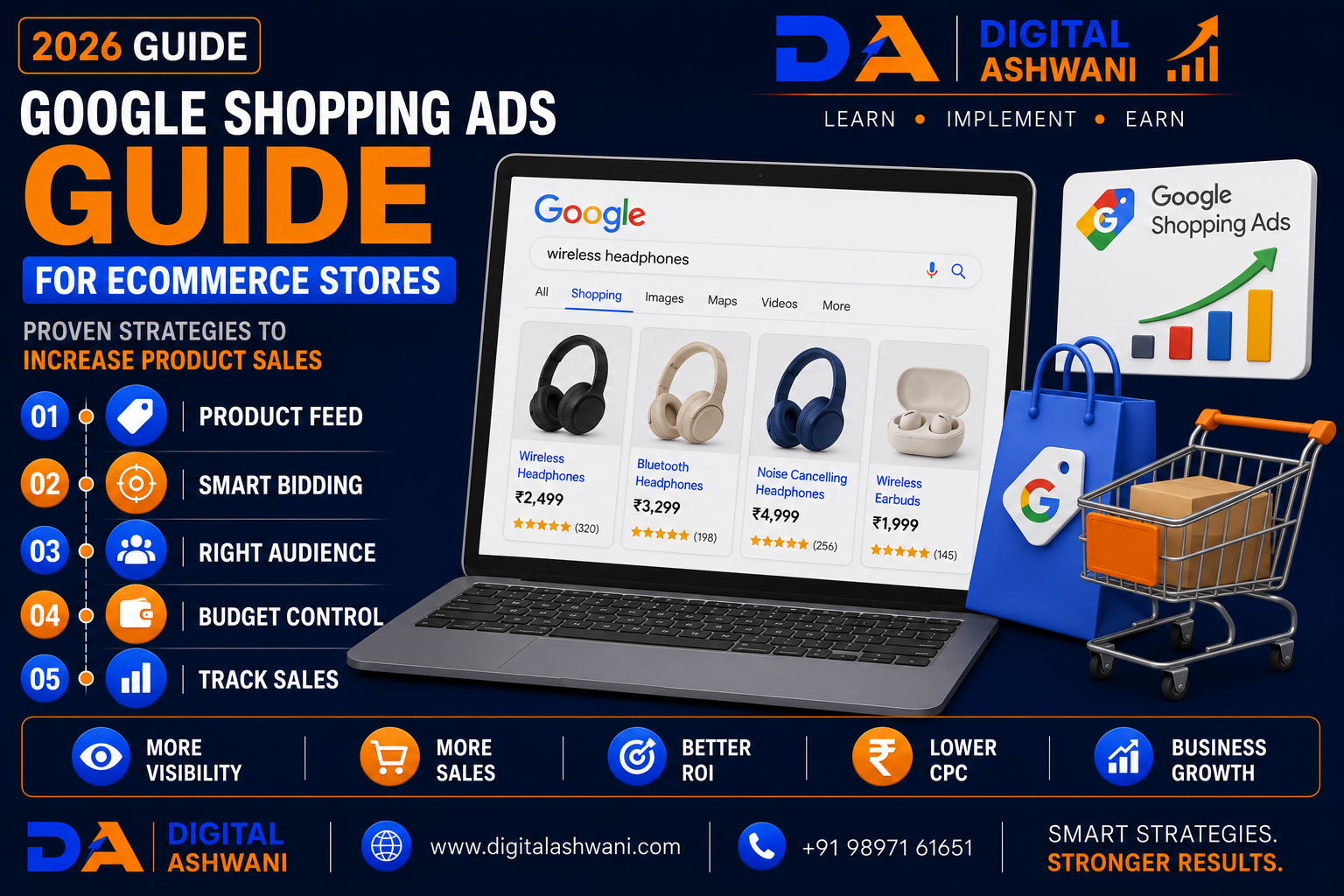
Unlike traditional text ads, Google Shopping Ads display product images, prices, store names, ratings, and other key details directly in Google Search. This allows shoppers to compare products before clicking, attracting users with stronger purchase intent.
Whether you sell fashion, electronics, furniture, beauty products, home décor, sports equipment, or handmade goods, Google Shopping Ads can help drive qualified traffic and increase online sales.
In this comprehensive guide by Digital Ashwani, you’ll learn 15 proven Google Shopping Ads strategies to help eCommerce businesses improve product visibility, generate more qualified traffic, and maximize return on advertising investment in 2026.
What Are Google Shopping Ads?
Google Shopping Ads are product-based advertisements that appear across Google’s shopping experiences.
These ads typically display:
- Product Image
- Product Title
- Price
- Store Name
- Product Rating
- Promotional Information
Instead of relying mainly on keywords in ad copy, Shopping Ads use product feed data from Google Merchant Center.
Why Ecommerce Stores Should Use Google Shopping Ads
Shopping Ads help businesses:
- Reach High-Intent Buyers
- Increase Product Visibility
- Improve Click Quality
- Drive More Sales
- Showcase Product Images
- Promote Competitive Pricing
- Expand Brand Reach
- Improve Advertising ROI
They are particularly effective for users who are actively searching to purchase products.
Benefits of Google Shopping Ads
A well-managed Shopping campaign helps businesses:
- Increase Online Sales
- Generate Qualified Traffic
- Improve Product Visibility
- Increase Brand Awareness
- Reach Mobile Shoppers
- Improve Conversion Rates
- Promote Best-Selling Products
- Scale Ecommerce Growth
15 Proven Google Shopping Ads Strategies
1. Set Up Google Merchant Center Correctly
Merchant Center is the foundation of every Shopping campaign.
Configure:
- Business Information
- Website Verification
- Shipping Settings
- Tax Settings (Where Applicable)
- Product Feed
- Return Policy
A properly configured Merchant Center improves product eligibility.
2. Optimize Your Product Feed
Your product feed strongly influences Shopping campaign performance.
Include accurate:
- Product Titles
- Product Descriptions
- Brand Names
- GTIN (Where Available)
- Product Categories
- Product Images
- Pricing
- Availability
A complete and accurate feed improves product relevance.
3. Write High-Quality Product Titles
Product titles should clearly describe your products.
Include important details such as:
- Brand
- Product Type
- Size
- Color
- Material
- Model
Well-structured titles help Google understand your products more effectively.
4. Use High-Quality Product Images
Shopping Ads are highly visual.
Upload:
- Professional Images
- White Background Photos (where appropriate)
- Multiple Product Angles
- High Resolution Images
Quality visuals improve shopper engagement.
5. Maintain Accurate Pricing and Availability
Always ensure your website and product feed display matching:
- Prices
- Stock Availability
- Promotions
- Shipping Information
Accurate information helps avoid product disapprovals.
6. Segment Products by Performance
Organize campaigns based on product characteristics.
Examples:
- Best Sellers
- High-Margin Products
- Seasonal Products
- Premium Products
- Clearance Products
Segmentation enables more effective budget management.
7. Choose the Right Bidding Strategy
Select a bidding strategy based on your business goals.
Options include:
- Maximize Clicks
- Maximize Conversions
- Maximize Conversion Value
- Target ROAS
Choose a strategy supported by sufficient conversion data.
8. Track Ecommerce Conversions
Measure important customer actions such as:
- Purchases
- Revenue
- Add to Cart
- Checkout Started
- Product Views
Accurate conversion tracking supports better campaign optimization and smarter bidding.
9. Use Performance Max for Shopping Campaigns
Performance Max combines Google Shopping with AI-powered automation to reach customers across multiple Google platforms.
Your products can appear on:
- Google Search
- Google Shopping
- YouTube
- Google Display Network
- Gmail
- Discover
- Google Maps
Performance Max helps maximize product visibility using Google’s machine learning.
10. Optimize Product Categories
Assign every product to the most accurate Google Product Category.
Well-organized categories help Google:
- Understand Products
- Improve Product Relevance
- Increase Shopping Visibility
- Deliver Better Targeting
Correct categorization supports stronger campaign performance.
11. Use Promotions and Special Offers
Promotional offers encourage shoppers to choose your products.
Examples include:
- Limited-Time Discounts
- Buy One Get One Offers
- Seasonal Sales
- Coupon Codes
- Free Shipping
- Festival Offers
Competitive offers can improve click-through rates and conversions.
12. Monitor Product Feed Health
Regularly review your Merchant Center diagnostics.
Look for:
- Product Disapprovals
- Missing GTINs
- Image Issues
- Pricing Mismatches
- Availability Errors
- Policy Violations
A healthy product feed keeps more products eligible for Shopping Ads.
13. Analyze Campaign Performance
Review campaign performance using:
- Google Ads
- Google Merchant Center
- Google Analytics 4
- Looker Studio
Track important metrics including:
- Impressions
- Clicks
- Click-Through Rate (CTR)
- Cost Per Click (CPC)
- Conversion Rate
- Revenue
- Return on Ad Spend (ROAS)
Performance analysis helps identify products that deserve additional investment.
14. Test Product Feed Improvements
Small improvements can produce meaningful results.
Experiment with:
- Product Titles
- Product Descriptions
- Images
- Pricing Strategies
- Promotional Text
- Product Types
Continuous testing helps improve product visibility and conversion performance.
15. Continuously Optimize Shopping Campaigns
Google Shopping campaigns require ongoing management.
Regularly:
- Update Product Feed
- Refresh Images
- Improve Product Titles
- Review Search Terms
- Optimize Bids
- Remove Low-Performing Products
- Expand Best-Selling Categories
Continuous optimization supports sustainable ecommerce growth.
Google Shopping Ads Checklist
Before launching or scaling your Shopping campaigns, verify the following:
- Google Merchant Center Configured
- Website Verified
- Product Feed Uploaded
- Product Titles Optimized
- High-Quality Images Added
- Accurate Pricing Maintained
- Conversion Tracking Configured
- Performance Max Considered
- Feed Diagnostics Reviewed
- Monthly Performance Analysis Scheduled
Following this checklist creates a stronger Shopping advertising strategy.
Common Google Shopping Ads Mistakes
Poor Product Titles
Generic or incomplete titles reduce product relevance and limit visibility.
Include meaningful product details naturally.
Low-Quality Product Images
Blurry or unprofessional images reduce shopper confidence and lower engagement.
Use clear, high-resolution product photography.
Ignoring Merchant Center Diagnostics
Feed errors can prevent products from appearing in Shopping results.
Review diagnostics regularly and resolve issues promptly.
Outdated Pricing or Inventory
Differences between your website and product feed may lead to product disapprovals and poor customer experience.
Keep pricing and availability synchronized.
Failing to Optimize Product Feeds
Many advertisers focus only on bids while ignoring feed quality.
A well-optimized product feed remains one of the most important success factors for Google Shopping Ads.
Internal Linking Suggestions (Digital Ashwani)
Strengthen your ecommerce and Google Ads content cluster by linking this article with:
- Complete Beginner’s Guide to Google Ads for Small Business Owners
- Complete Performance Max Campaign Guide for Small Business Growth
- Complete Google Search Ads Campaign Setup Guide for Better Lead Generation
- Complete Remarketing Strategy to Recover Lost Website Visitors Successfully
- Google Ads Conversion Tracking Setup Using Google Tag Manager
- Ecommerce SEO Strategies to Increase Organic Product Sales
- Ultimate Analytics and Tracking Guide for Long-Term Business Growth
- What Is Looker Studio and How Does It Improve Marketing Reporting?
- How to Increase Website Conversion Rates Using Data-Driven Optimization Methods
- What Is First-Party Data?
These internal links strengthen topical authority while helping readers explore related Google Shopping, Performance Max, ecommerce SEO, analytics, conversion tracking, and paid advertising topics.
External Resources
For trusted Google Shopping guidance, refer to:
- Google Merchant Center Help
- Google Ads Help Center
- Google Analytics Help Center
- Google Skillshop
- Google Search Central
These official resources provide current recommendations for Merchant Center management, Shopping campaign optimization, product feed quality, and ecommerce advertising best practices.
Frequently Asked Questions
What are Google Shopping Ads?
Google Shopping Ads are product-based advertisements that display product images, prices, store names, ratings, and other shopping information directly within Google’s shopping experiences.
Do I need Google Merchant Center to run Shopping Ads?
Yes. Google Merchant Center stores and manages your product feed, making it an essential requirement for Google Shopping campaigns.
Can small ecommerce businesses use Google Shopping Ads?
Yes. Businesses of all sizes can use Google Shopping Ads to promote products, attract high-intent shoppers, and increase online sales.
What is the most important factor in Shopping Ads?
Several factors contribute to success, but maintaining an accurate, high-quality product feed with optimized titles, images, pricing, and availability is one of the most important.
Can Performance Max improve Shopping campaigns?
Yes. Performance Max extends Shopping campaigns across multiple Google platforms and uses AI to optimize bidding, targeting, and creative combinations based on campaign goals.
Final Thoughts
The Google Shopping Ads Guide for Ecommerce Stores demonstrates that successful ecommerce advertising depends on much more than simply uploading products into Google Merchant Center. High-performing Shopping campaigns are built on optimized product feeds, accurate pricing, compelling product images, reliable conversion tracking, AI-powered bidding, and continuous performance analysis.
As Google’s advertising ecosystem continues to evolve, businesses that maintain high-quality product data and regularly optimize their Shopping campaigns will be better positioned to reach high-intent buyers and increase online sales.
Instead of focusing only on increasing traffic, prioritize product relevance, user experience, and accurate measurement. A data-driven Google Shopping strategy helps improve return on ad spend, maximize product visibility, and support sustainable ecommerce growth.
At Digital Ashwani, we regularly publish practical guides on Google Ads, Google Shopping, Performance Max, Ecommerce SEO, Google Analytics, AI Marketing, and Digital Marketing to help businesses generate more qualified traffic and achieve long-term online success.
